
Top AI Image Generation Tools for Designers in 2026

Artificial intelligence has transformed the design industry. What once required hours of manual work in tools like Photoshop or Illustrator can now be achieved in seconds with AI image generation tools.
Designers, marketers, and content creators are increasingly using AI to generate illustrations, concept art, social media graphics, and marketing visuals. These tools use powerful machine learning models to convert simple text prompts into stunning images.
Whether you’re a freelance designer, a startup founder, or a content creator, AI-powered design tools can significantly speed up your workflow.
In this guide, we’ll explore the top AI image generation tools for designers, including Midjourney, Leonardo AI, and Canva, and show how each platform can enhance your creative process.
Why AI Image Generation Matters 🎨
AI design tools are not just about speed—they unlock entirely new creative possibilities.
Key advantages include:
• Generate multiple design concepts instantly
• Create unique visuals without advanced design skills
• Speed up creative workflows
• Produce marketing visuals at scale
• Reduce design costs for startups and creators
For designers working with tight deadlines, AI tools can act as creative assistants that generate ideas and draft visuals quickly.
Quick Tool Summary
■ Best Overall: Midjourney
■ Best for Game Designers: Leonardo AI
■ Best for Beginners: Canva AI
■ Best for Marketing Visuals: Canva
■ Best for Concept Art: Midjourney
Best AI Image Generation Tools for Designers 🤖
Below are some of the most powerful AI image generators available today.
Midjourney
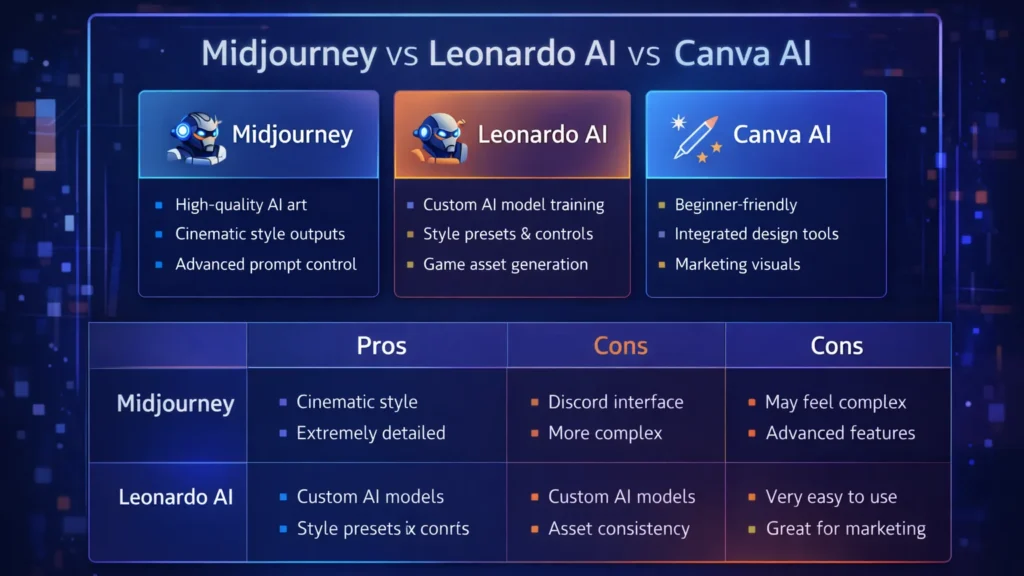
Midjourney is one of the most popular AI art generators used by professional designers and digital artists. It produces highly detailed and cinematic images from simple text prompts.
Midjourney runs primarily through Discord, making it slightly different from traditional design tools.
Key Features
• Extremely high-quality image generation
• Cinematic and artistic style outputs
• Advanced prompt customization
• Active community for prompt sharing
Pros
• Exceptional image quality
• Ideal for concept art and illustration
• Huge creative flexibility
Cons
• Requires Discord interface
• Learning curve for prompts
Best For
Concept artists, creative designers, and illustrators looking for highly detailed artwork.
Leonardo AI
Leonardo AI is becoming a favorite tool among game developers, product designers, and creative professionals who need consistent and customizable AI-generated images.
It offers more control than many other AI art tools.
Key Features
• Custom AI model training
• Game asset generation
• Style control and presets
• Prompt guidance tools
Pros
• Strong control over image styles
• Great for game assets and design assets
• Fast generation speeds
Cons
• Some advanced features require paid plans
• Interface may feel complex for beginners
Best For
Game designers, digital artists, and product designers.
Canva AI
Canva has integrated powerful AI features into its already popular design platform. With tools like Magic Media and the AI image generator, users can create visuals directly inside Canva.
This makes it perfect for marketers and beginners.
Key Features
• AI text-to-image generator
• Integrated design templates
• Drag-and-drop editor
• AI background removal and editing
Pros
• Very beginner-friendly
• Works within existing design workflows
• Excellent for marketing graphics
Cons
• Image quality may be lower than Midjourney
• Limited artistic control
Best For
Social media creators, bloggers, and marketing teams.
Comparison Table
| Tool | Best For | Key Feature | Pricing |
|---|---|---|---|
| Midjourney | Concept artists | High-quality AI art | Paid |
| Leonardo AI | Game designers | Custom AI models | Freemium |
| Canva AI | Beginners & marketers | Integrated design tools | Freemium |
Practical Use Cases for AI Image Generators 🚀
Designers and creators are using AI tools in many creative ways.
Common applications include:
• Blog and website illustrations
• YouTube thumbnails
• Marketing graphics
• Game assets
• Concept art
• Product mockups
• Social media visuals
For freelancers and online businesses, AI image generators can reduce the need for expensive design resources.
Benefits and Limitations ⚖️
AI design tools offer incredible advantages but also have some limitations.
Benefits
• Massive time savings
• Endless creative variations
• Lower design costs
• Accessibility for beginners
Limitations
• Some images may look generic
• Prompt engineering is required
• Copyright concerns in some cases
Designers should use AI tools as creative assistants, not replacements for human creativity.
How to Get Started with AI Image Tools 🧠
If you’re new to AI design tools, follow these steps.
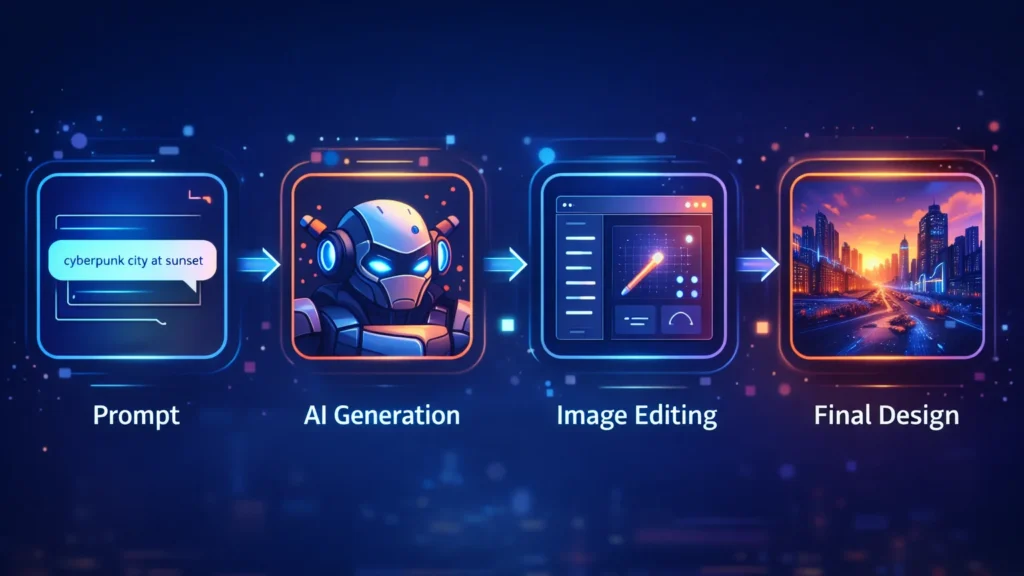
Step 1: Choose the right tool
Pick a tool based on your use case.
• Midjourney → creative artwork
• Leonardo AI → design assets
• Canva → marketing visuals
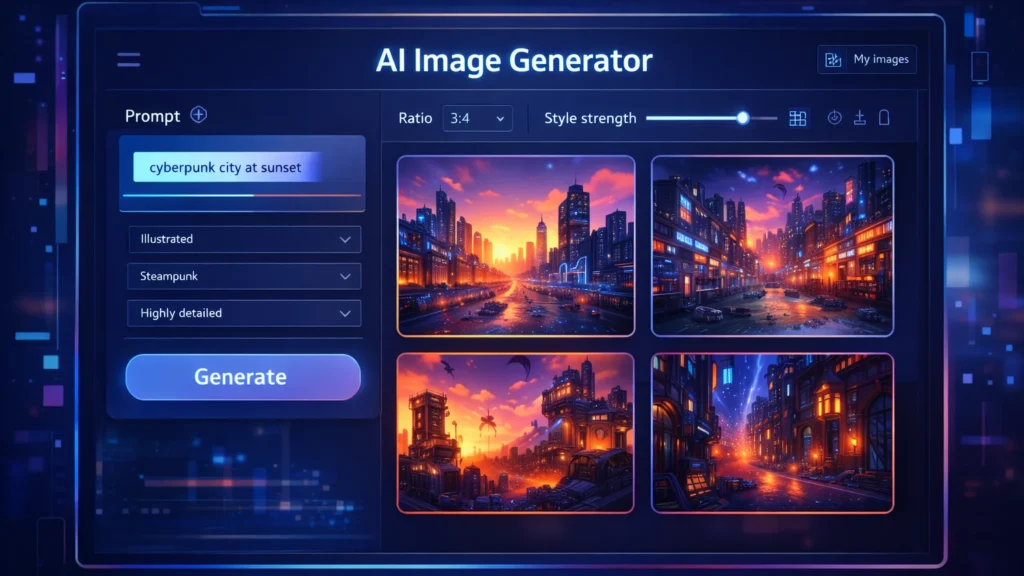
Step 2: Learn prompt writing
Your prompts determine the output quality.
Example prompt:
“Futuristic cyberpunk city at sunset, ultra-detailed digital art”
Step 3: Experiment with styles
Try different prompts, lighting, colors, and art styles to discover unique visuals.
Conclusion
AI image generation tools are transforming how designers create visuals. What once required hours of manual work can now be achieved in seconds using powerful AI platforms.
Tools like Midjourney, Leonardo AI, and Canva AI give designers the ability to experiment, iterate, and produce high-quality visuals faster than ever.
For entrepreneurs, bloggers, and digital creators, AI design tools offer a powerful way to scale visual content production while maintaining creativity.
As AI continues to evolve, these tools will become an essential part of every modern designer’s toolkit.