

Small Business AI

  • ·

    AI Workflow Automation for Small Businesses (2026 Guide)

    Running a small business means handling dozens of repetitive tasks every day—emails, invoices, customer responses, lead management, and social media updates. These tasks consume valuable time that could be spent growing the business.

    This is where AI workflow automation comes in.

    By using automation platforms like Zapier and Make, small businesses can automate repetitive workflows, connect multiple apps, and reduce manual work dramatically.

    In this guide, you will learn:

    • What AI workflow automation is
    • Why small businesses should use it
    • The best automation tools available
    • Real examples of automated workflows
    • How to start automation in your business today

    What is AI Workflow Automation?

    AI workflow automation is the process of using automation tools and artificial intelligence to perform repetitive business tasks automatically.

    Instead of manually transferring data between apps, sending emails, or updating spreadsheets, automation platforms create trigger-based workflows.

    Example workflow:

    Customer fills website form →
    Lead added to CRM →
    Welcome email sent →
    Sales team notified →
    Task created in project management tool.

    All of this happens automatically without human intervention.
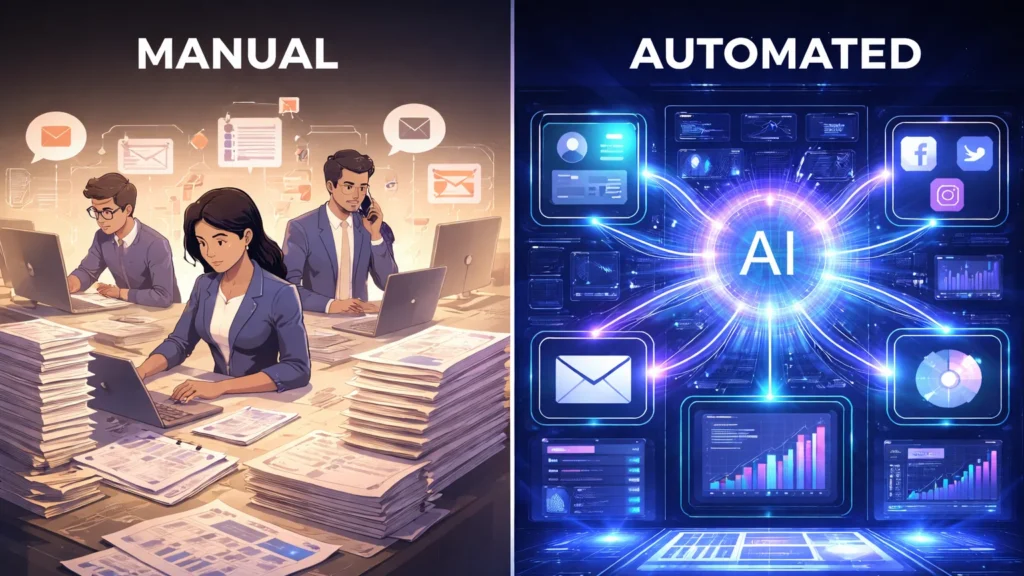
    Manual business workflow compared with AI automated workflow
    Comparison of manual business processes and AI automated workflows that eliminate repetitive tasks.

    Why Small Businesses Need Workflow Automation

    Small businesses usually operate with limited staff and resources. Automation allows teams to do more work with fewer people.

    1. Save Time

    Automation removes repetitive tasks such as:

    • Email responses
    • Data entry
    • Report generation
    • File organization

    2. Reduce Human Errors

    Manual data entry often leads to mistakes. Automation ensures accurate data transfer across systems.

    3. Increase Productivity

    Employees can focus on high-value activities like sales, strategy, and customer relationships.

    4. Scale Operations Faster

    As business grows, automation ensures workflows remain efficient without hiring additional staff.


    Best AI Workflow Automation Tools

    Zapier is one of the most popular automation platforms used by millions of businesses worldwide.

    It allows users to connect 6,000+ apps and automate tasks without coding.

    Key Features

    • No-code workflow builder
    • Thousands of app integrations
    • AI automation suggestions
    • Conditional workflows
    • Multi-step automation

    Example Automation

    When a customer purchases from Shopify →
    Automatically add customer to email marketing list →
    Send onboarding email →
    Create invoice.

    Zapier is ideal for small businesses, freelancers, and startups.
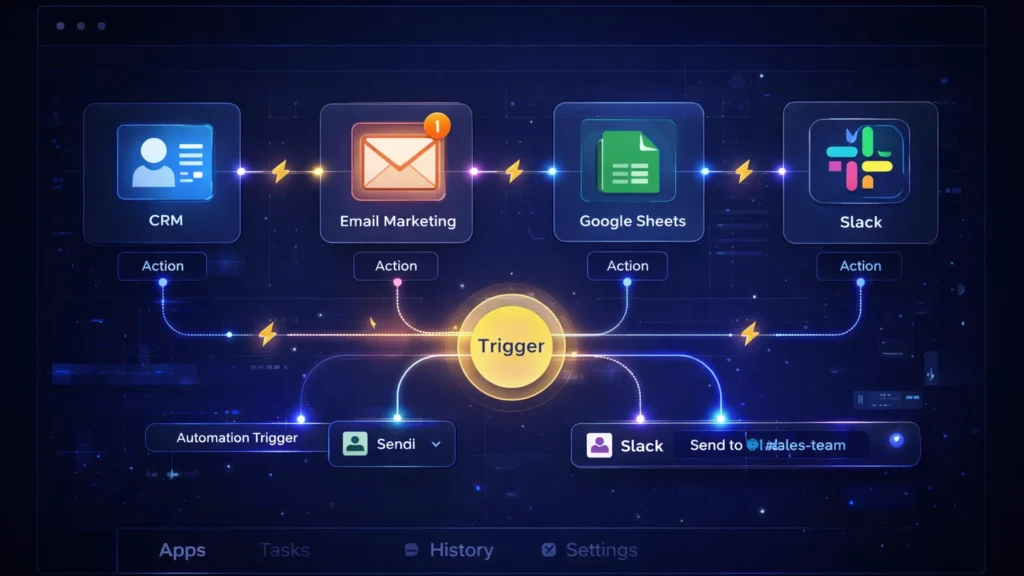
    workflow automation diagram connecting CRM email marketing Google Sheets and Slack
    Workflow automation tools connect apps like CRM, email marketing, Google Sheets, and Slack through automation triggers.

    Make (formerly Integromat) is a powerful visual automation platform designed for complex workflows.

    Unlike Zapier, Make uses a visual scenario builder where users can see how data flows between apps.

    Key Features

    • Visual automation builder
    • Advanced conditional logic
    • Data transformation tools
    • Real-time automation execution
    • Powerful integrations

    Example Automation

    New lead from Facebook Ads →
    Filter high-quality leads →
    Add to CRM →
    Send SMS notification to sales team.

    Make is perfect for businesses that require advanced automation and detailed control.
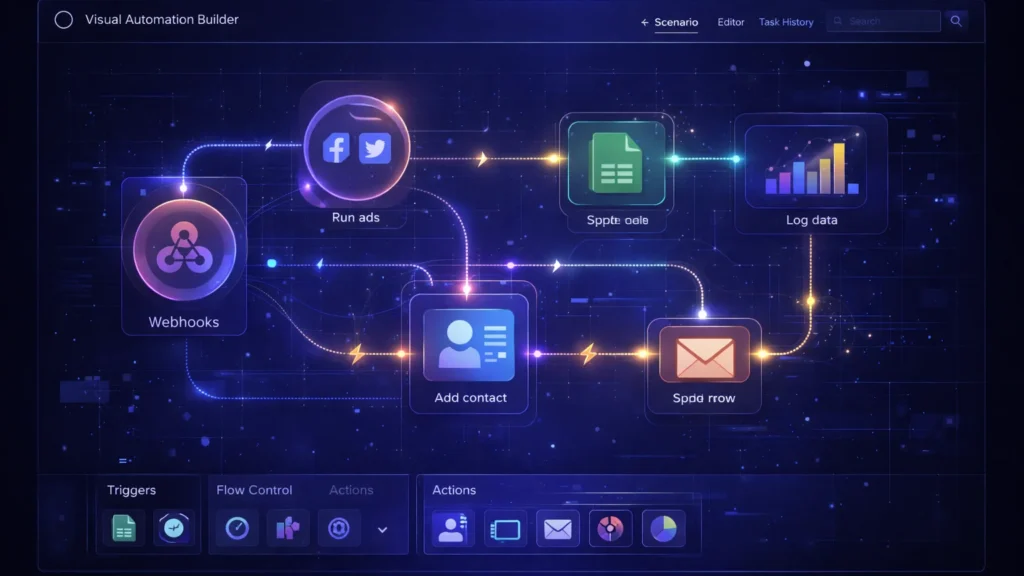
    visual automation builder interface connecting marketing apps CRM and analytics
    Visual workflow builders allow businesses to design complex automation scenarios using connected nodes and triggers.

    Real AI Workflow Automation Examples

    Here are practical automation workflows small businesses can implement immediately.

    Website contact form →
    Add lead to CRM →
    Send welcome email →
    Notify sales team on Slack.

    Customer email received →
    AI categorizes issue →
    Ticket created in helpdesk →
    Auto response sent to customer.

    New blog post published →
    Automatically share on:

    • Facebook
    • LinkedIn
    • Twitter
    • Pinterest

    Customer order placed →
    Inventory updated →
    Invoice generated →
    Shipping notification sent.
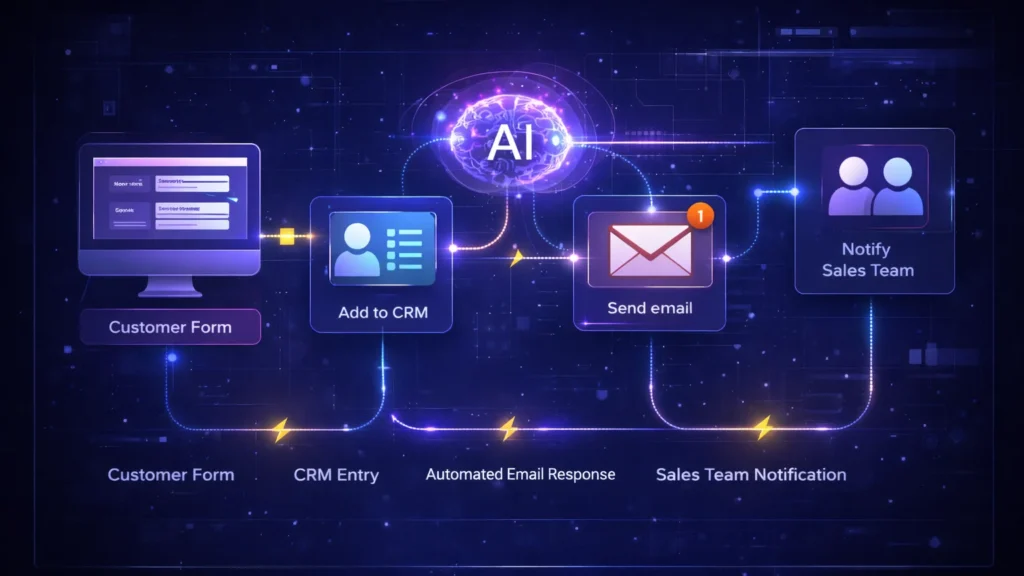
    AI business automation flowchart showing customer form CRM email and sales notification
    Example of an automated business workflow from customer form submission to CRM entry, email response, and sales team notification.

    AI + Workflow Automation: The Future of Business

    AI is rapidly transforming automation.

    Modern tools now include:

    • AI-powered workflow suggestions
    • Smart data extraction
    • Automated decision making
    • AI customer support bots

    This means businesses can automate not just tasks—but entire decision processes.

    For example:

    AI analyzes customer behavior →
    Predicts churn →
    Triggers retention email automatically.
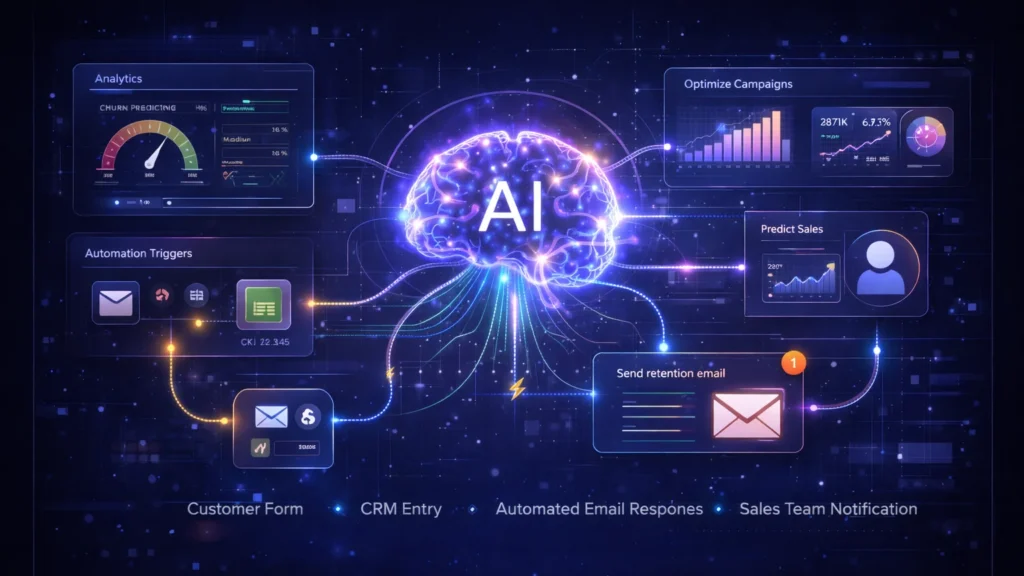
    artificial intelligence analyzing business dashboards and predictive analytics automation
    Advanced AI systems analyze business data and trigger automated decisions using predictive analytics.

    How to Start AI Workflow Automation

    Follow these simple steps:

    Look for tasks that happen frequently such as:

    • Email responses
    • Data entry
    • Lead management
    • Reporting

    Beginners usually start with:

    • Zapier for simplicity
    • Make for advanced workflows

    Most businesses integrate:

    • CRM
    • Email marketing tools
    • Google Sheets
    • Payment gateways
    • Customer support tools

    Create a trigger → action system.

    Example:

    New customer →
    Send welcome email.


    Common Automation Mistakes to Avoid

    Automation should improve workflows—not automate inefficient ones.

    Too many automations can create complexity and confusion.

    Always test and monitor automations regularly to ensure they function correctly.


    small business owner using AI automation dashboard for CRM email and marketing tasks
    Small businesses can automate emails, CRM updates, and marketing tasks using AI workflow automation tools.

    Final Thoughts

    AI workflow automation is no longer just for large companies. Today, even small businesses can automate operations using tools like Zapier and Make.

    By automating repetitive tasks, businesses can:

    • Save time
    • Reduce costs
    • Increase efficiency
    • Scale faster

    If you’re running a small business in 2026, workflow automation is one of the most powerful tools you can adopt to stay competitive.
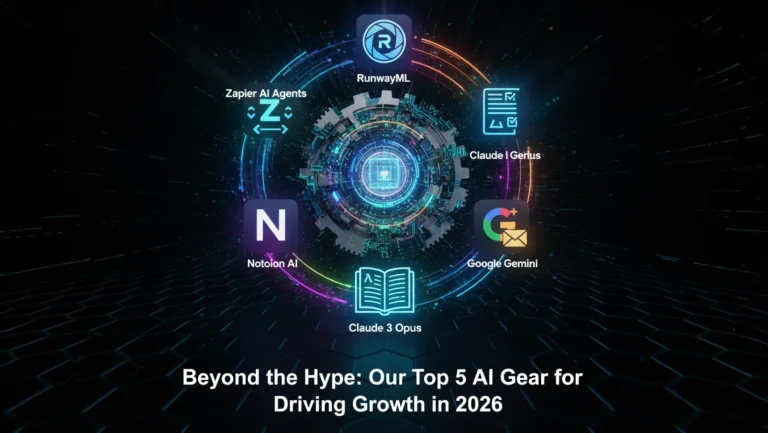
  • Beyond the Hype: Our Top 5 AI Gear for Driving Growth in 2026

    Every week, it feels like a hundred new AI tools launch. The promises are grand, the demos are dazzling, but for the busy business owner, it’s just another layer of confusion. Which ones actually work? Which ones are built for growth, not just novelty?

    At AI Growth Gear, our philosophy is simple: Don’t chase every shiny object; invest in the right gears. With my background managing the fast-paced operations at Enoxx News, and Surbhi’s eye for seamless integration from NIFT and film, we don’t recommend a tool unless it truly elevates an existing workflow. We’ve put countless hours into testing, integrating, and often, breaking these tools so you don’t have to.

    So, as we navigate 2026, here are our top 5 battle-tested AI “Gears” that are truly driving growth for businesses in the US and UK.

    1. The Orchestrator: Zapier AI Agents (for Seamless Workflow Automation)

    Think of Zapier as the central nervous system of your digital operations. Now, imagine giving it a brain. Zapier AI Agents aren’t just about connecting apps; they’re about giving an AI an objective and letting it execute multi-step tasks across your entire tech stack.

    • Why it’s essential: Instead of manually moving data from your CRM to your email marketing, or updating your project management tool based on a customer query, an Agent handles it. It’s perfect for streamlining lead nurturing, customer onboarding, and even internal reporting. It truly embodies the “Agentic AI” we champion.

    2. The Visual Storyteller: RunwayML (for Dynamic Video & Visuals)

    The demand for video content is relentless. Traditional video production is slow and expensive. Enter RunwayML. While still evolving, its capabilities in generating short video clips from text, transforming existing footage, and even isolating elements are game-changing.

    • Why it’s essential: For brands needing to create quick, high-quality social media clips, product explainers, or animated graphics, RunwayML democratizes video creation. It allows you to maintain aesthetic quality without a full production team, resonating deeply with Surbhi’s visual-first approach.

    3. The Intelligent Copywriter: Claude 3 Opus (for High-Quality Content Creation)

    While ChatGPT got all the headlines, Claude 3 Opus (and its siblings Haiku and Sonnet) has quietly become our go-to for sophisticated long-form content and nuanced brand voice. Its ability to handle complex prompts and produce less “AI-sounding” text is remarkable.

    • Why it’s essential: From drafting compelling blog posts and email sequences to generating detailed market analyses, Claude 3 Opus consistently delivers. It helps maintain the “Aesthetic Automation” principle by producing copy that feels genuinely human and on-brand, freeing up your team for strategic refinement.

    4. The Knowledge Manager: Notion AI (for Organized Operations & Idea Generation)

    If your business lives in Notion (and many successful ones do), then Notion AI is a non-negotiable. It’s an integrated AI assistant that lives directly within your workspaces, databases, and documents.

    • Why it’s essential: Instantly summarize lengthy meeting notes, draft marketing copy based on project briefs, automate task generation, and even brainstorm content ideas directly within your existing knowledge base. It transforms Notion from a powerful workspace into an intelligent operational hub, drastically improving team productivity.

    5. The Data Whisperer: Google Gemini for Workspace (for Smart Insights & Efficiency)

    We live in our inboxes and spreadsheets. Google Gemini for Workspace integrates AI directly into Gmail, Docs, Sheets, and Slides. This means AI can draft emails, summarize lengthy document threads, analyze data in Sheets, and even create presentations with simple prompts.

    • Why it’s essential: It’s about leveraging the tools you already use daily. Gemini streamlines communication, automates data analysis, and assists with content creation right where you work. It’s subtle, powerful, and an absolute game-changer for internal efficiency and external communication, ensuring every interaction is precise and purposeful.

    Equip Your Growth

    Choosing the right AI “gear” isn’t about having the most tools; it’s about having the most effective ones. These five solutions, when integrated strategically, can transform your business from being trapped in the “Efficiency Trap” to being a nimble, growth-driven machine.

    Don’t just automate; orchestrate. Let’s equip your business with the intelligence it needs to thrive in 2026.