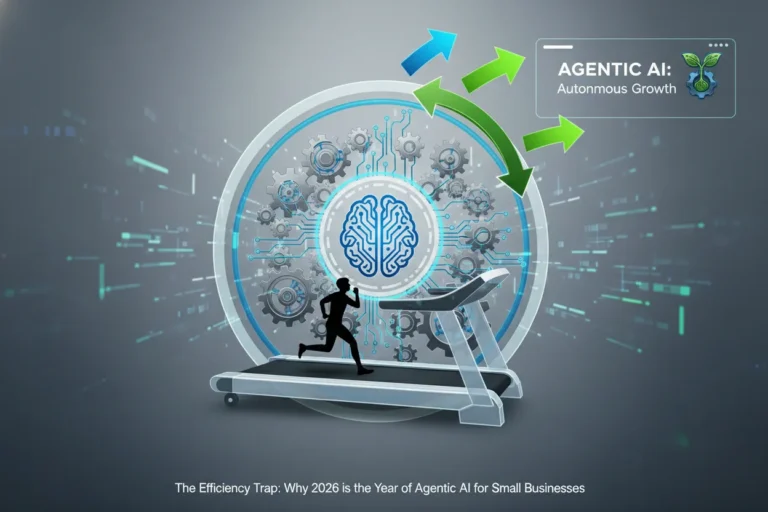
Running a small business means handling dozens of repetitive tasks every day—emails, invoices, customer responses, lead management, and social media updates. These tasks consume valuable time that could be spent growing the business.
This is where AI workflow automation comes in.
By using automation platforms like Zapier and Make, small businesses can automate repetitive workflows, connect multiple apps, and reduce manual work dramatically.
In this guide, you will learn:
- What AI workflow automation is
- Why small businesses should use it
- The best automation tools available
- Real examples of automated workflows
- How to start automation in your business today
Best AI Automation Tools for Small Businesses
What is AI Workflow Automation?
AI workflow automation is the process of using automation tools and artificial intelligence to perform repetitive business tasks automatically.
Instead of manually transferring data between apps, sending emails, or updating spreadsheets, automation platforms create trigger-based workflows.
Example workflow:
Customer fills website form →
Lead added to CRM →
Welcome email sent →
Sales team notified →
Task created in project management tool.
All of this happens automatically without human intervention.

Why Small Businesses Need Workflow Automation
Small businesses usually operate with limited staff and resources. Automation allows teams to do more work with fewer people.
Key Benefits
1. Save Time
Automation removes repetitive tasks such as:
- Email responses
- Data entry
- Report generation
- File organization
2. Reduce Human Errors
Manual data entry often leads to mistakes. Automation ensures accurate data transfer across systems.
3. Increase Productivity
Employees can focus on high-value activities like sales, strategy, and customer relationships.
4. Scale Operations Faster
As business grows, automation ensures workflows remain efficient without hiring additional staff.
Best AI Workflow Automation Tools
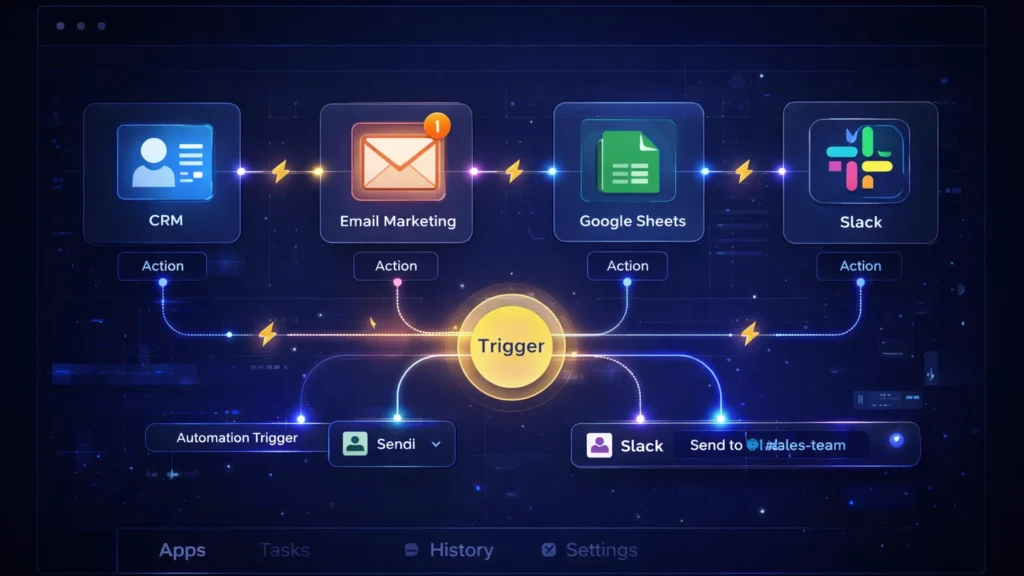
1. Zapier
Zapier is one of the most popular automation platforms used by millions of businesses worldwide.
It allows users to connect 6,000+ apps and automate tasks without coding.
Key Features
- No-code workflow builder
- Thousands of app integrations
- AI automation suggestions
- Conditional workflows
- Multi-step automation
Example Automation
When a customer purchases from Shopify →
Automatically add customer to email marketing list →
Send onboarding email →
Create invoice.
Zapier is ideal for small businesses, freelancers, and startups.
2. Make.com
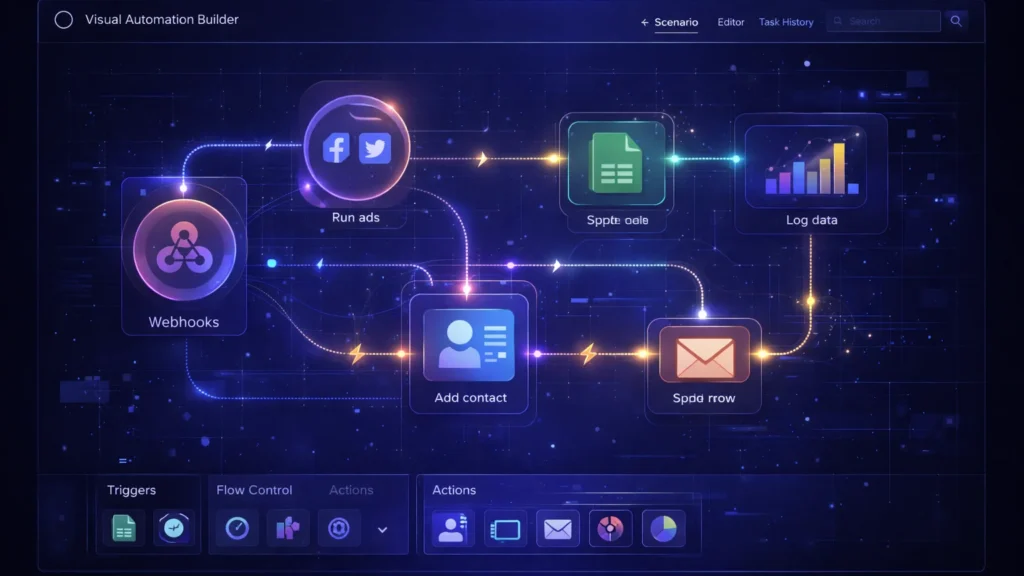
Make (formerly Integromat) is a powerful visual automation platform designed for complex workflows.
Unlike Zapier, Make uses a visual scenario builder where users can see how data flows between apps.
Key Features
- Visual automation builder
- Advanced conditional logic
- Data transformation tools
- Real-time automation execution
- Powerful integrations
Example Automation
New lead from Facebook Ads →
Filter high-quality leads →
Add to CRM →
Send SMS notification to sales team.
Make is perfect for businesses that require advanced automation and detailed control.
Real AI Workflow Automation Examples
Here are practical automation workflows small businesses can implement immediately.
Best AI Marketing Automation Tools
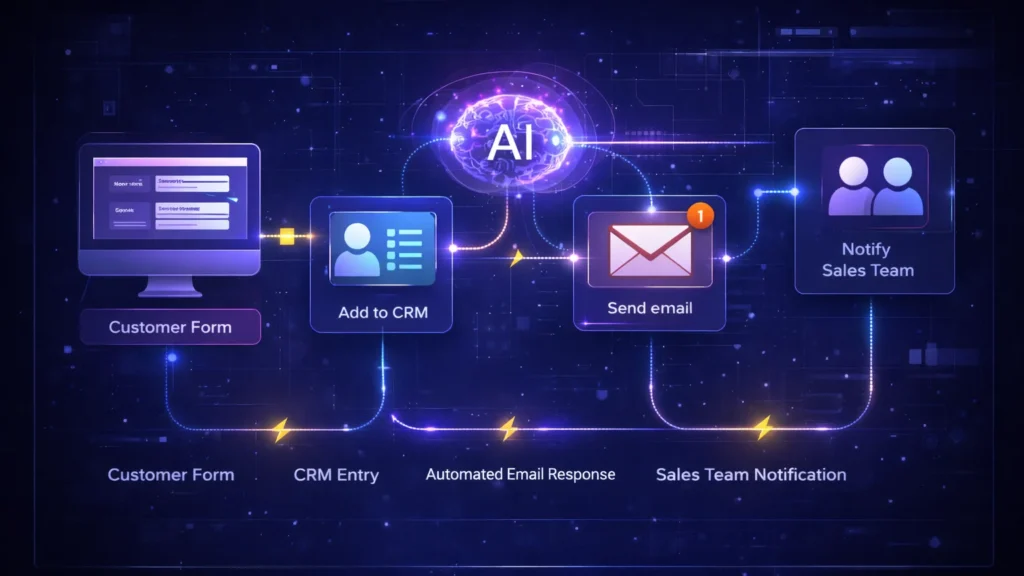
1. Lead Generation Automation
Website contact form →
Add lead to CRM →
Send welcome email →
Notify sales team on Slack.
2. Customer Support Automation
Customer email received →
AI categorizes issue →
Ticket created in helpdesk →
Auto response sent to customer.
3. Social Media Automation
New blog post published →
Automatically share on:
4. E-commerce Order Automation
Customer order placed →
Inventory updated →
Invoice generated →
Shipping notification sent.
AI + Workflow Automation: The Future of Business
AI is rapidly transforming automation.
Modern tools now include:
- AI-powered workflow suggestions
- Smart data extraction
- Automated decision making
- AI customer support bots
This means businesses can automate not just tasks—but entire decision processes.
For example:
AI analyzes customer behavior →
Predicts churn →
Triggers retention email automatically.

How to Start AI Workflow Automation
Follow these simple steps:
Step 1: Identify Repetitive Tasks
Look for tasks that happen frequently such as:
- Email responses
- Data entry
- Lead management
- Reporting
Step 2: Choose an Automation Tool
Beginners usually start with:
- Zapier for simplicity
- Make for advanced workflows
Step 3: Connect Your Apps
Most businesses integrate:
- CRM
- Email marketing tools
- Google Sheets
- Payment gateways
- Customer support tools
Step 4: Build Your First Workflow
Create a trigger → action system.
Example:
New customer →
Send welcome email.
Common Automation Mistakes to Avoid
Automating Poor Processes
Automation should improve workflows—not automate inefficient ones.
Over-Automation
Too many automations can create complexity and confusion.
Not Monitoring Workflows
Always test and monitor automations regularly to ensure they function correctly.

Final Thoughts
AI workflow automation is no longer just for large companies. Today, even small businesses can automate operations using tools like Zapier and Make.
By automating repetitive tasks, businesses can:
- Save time
- Reduce costs
- Increase efficiency
- Scale faster
If you’re running a small business in 2026, workflow automation is one of the most powerful tools you can adopt to stay competitive.