In business, communication is everything. Whether it’s training your global sales force, delivering personalized video messages to thousands of leads, or creating consistent brand explainers, the demand for engaging video is immense. The traditional approach—hiring presenters, booking studios, shooting, editing—is a bottleneck for even the most agile teams.
This is where AI Avatar & Business Presenters step in. These aren’t just text-to-speech tools; they create convincing digital humans who can speak your message in multiple languages, with realistic expressions and lip-sync. For businesses in the US and UK looking to scale their video output without scaling their production budget, these platforms are a game-changer.
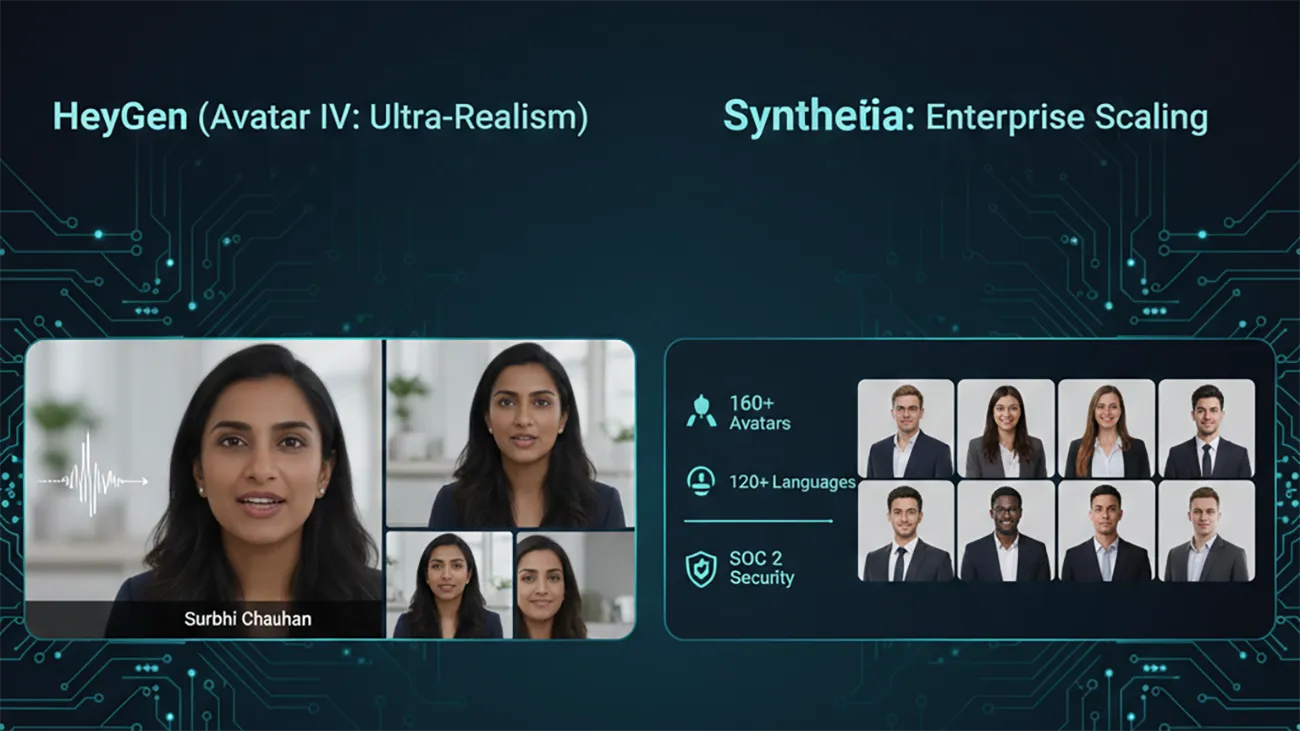
At AI Growth Gear, we’ve evaluated the leading platforms with our “Director’s Lens,” focusing on realism, brand integration, and operational efficiency. Here’s how the top two—HeyGen (Avatar IV) and Synthesia—compare for your business.
The Contenders at a Glance
Feature
HeyGen (Avatar IV)
Synthesia
Primary Strength
Ultra-Realistic Digital Twins
Enterprise-Grade Library & Compliance
Best For
Personalized Sales, UGC
Corporate Training, Explainers
Weakness
Custom avatars require more input
Stock avatars can feel less unique
1. HeyGen (Avatar IV): The Ultra-Realist
HeyGen’s latest iteration, Avatar IV, is pushing the boundaries of what’s possible in AI avatar realism. Its “Digital Twin” feature allows businesses to create incredibly lifelike avatars of actual employees or spokespersons from minimal video footage. The subtlety of facial expressions and natural-sounding voice clones are truly impressive.
The Aesthetic: Aimed squarely at hyper-realism. If you want your AI presenter to be indistinguishable from a real human, HeyGen is currently leading the pack. It masters the minute details, making it ideal for maintaining a personal touch at scale.
The Director’s Take: “HeyGen is for when ‘authentic’ means ‘looks like you.’ It’s unparalleled for personalized sales videos, founder messages, or any content where the presenter’s unique identity is key. It allows a boutique agency to maintain its human brand persona without physically being in every video.”
2. Synthesia: The Enterprise Powerhouse
Synthesia has been the long-standing leader in the corporate AI video space, and for good reason. It boasts an extensive library of over 160 diverse stock avatars and 120+ languages, coupled with robust SOC 2 compliance for data security. Its platform is built for scalable, professional use cases across large organizations.
The Aesthetic: Polished, professional, and consistent. While its stock avatars are highly realistic, they aim for broad appeal rather than individual uniqueness.
The Director’s Take: “Synthesia is the workhorse of the enterprise. If you need to produce hundreds of consistent training modules, international onboarding videos, or routine explainers, its sheer volume of customizable options and security features make it the undisputed choice. It ensures your corporate communication is slick and reliable across the board.”
The Verdict: Which Digital Double is Right for You?
Choose HeyGen if your priority is Personalization and Ultra-Realism. If you need your AI presenter to look and sound exactly like a specific person to build trust or enhance a unique brand identity.
Choose Synthesia if your priority is Scalability and Corporate Readiness. If you require a vast library of diverse avatars, multi-language support, and enterprise-grade security for consistent, high-volume video production.
Our Recommendation for 2026
For many agencies, the ideal setup might involve a blend: HeyGen for high-impact, personalized, and client-facing content, and Synthesia for internal training, broad-reach explainers, or situations requiring a diverse range of stock avatars. Both tools excel at making video production accessible, but they serve different strategic objectives.
Scaling an agency in the US or UK used to mean one thing: hiring more people. Every new client meant adding more project managers, more data entry clerks, and more administrative bloat. But operations managers are waking up to a new reality. You don’t need a bigger team to handle enterprise-level capacity; you need better internal infrastructure.
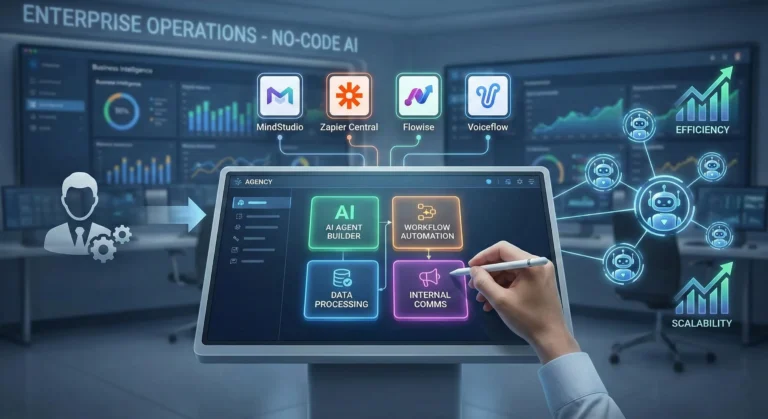
The secret to maximizing agency margins right now is replacing repetitive administrative headcount with custom AI agents. By leveraging no-code enterprise automation, you can build digital employees that handle your backend operations 24/7. Here at AI Growth Gear, we prioritize software that directly impacts the bottom line. If you want to deploy sophisticated business intelligence and workflow software without writing a line of code, these are the platforms you need.
MindStudio: The AI Employee Factory
MindStudio is arguably the most robust platform right now for building highly specialized, multi-step AI agents. It allows you to build custom interfaces and connect different foundation models (like Claude 3 or GPT-4) depending on the specific task.
The Operations Play: Stop paying junior staff to summarize endless client discovery calls and format them into briefs. With MindStudio, you can build an internal “Strategy Agent.” You upload the raw call transcript, and the agent automatically extracts the core business objectives, cross-references them with your agency’s standard operating procedures (SOPs), and outputs a polished, ready-to-execute project brief. It turns hours of manual administrative work into a three-second automated workflow.
Zapier Central: The Action-Oriented Assistant
You likely already use Zapier to connect your apps, but Zapier Central transforms those passive connections into an active, conversational AI workspace. It allows you to build bots that sit directly on top of your live data.
The Operations Play: Zapier Central excels at data triage. Imagine a custom agent monitoring your high-value lead inbox. When a new enterprise inquiry comes in, the agent reads the context, automatically queries your CRM to see if they are an existing contact, drafts a personalized response based on their industry, and pings the correct account executive in Slack with a summary. It acts as an autonomous executive assistant that never drops the ball, perfectly optimizing your agency’s lead response times.
Flowise: Visual LLM Orchestration
For agencies handling vast amounts of proprietary data or complex technical documentation, Flowise is a game-changer. It provides a drag-and-drop visual interface for LangChain, meaning you can build highly complex AI logic flows without needing a Python developer.
The Operations Play: Build a secure, internal “Knowledge Retrieval Agent” for your team. By connecting Flowise to your agency’s internal Google Drive or Notion workspace, your team can simply ask the agent questions like, “What were the exact deliverables we promised in the Q3 contract for Client X?” The agent searches the secure internal database and retrieves the exact clause in seconds. This eliminates the endless back-and-forth messaging between departments and streamlines overall business intelligence.
Voiceflow: Conversational Process Management
While typically known for building customer-facing chatbots, smart operations managers are using Voiceflow to build robust internal conversational interfaces.
The Operations Play: Employee onboarding is a massive drain on operational resources. With Voiceflow, you can build an interactive “HR & Onboarding Agent.” Instead of handing new hires a static 50-page PDF of company policies, they interact with the Voiceflow agent. It can guide them through setting up their software stack, answer specific questions about payroll schedules, and train them on agency methodologies. It guarantees a consistent, scalable onboarding experience without tying up your senior staff.
The Bottom Line
B2B margins are won and lost in the backend. By investing in no-code workflow software like MindStudio, Zapier Central, Flowise, and Voiceflow, you aren’t just buying tools—you are building a scalable, automated workforce. This allows you to take on larger enterprise contracts without proportionately increasing your overhead.
Remember 2023? It felt like a new “revolutionary” AI writing tool launched every Tuesday. It was chaotic, noisy, and honestly, most of them were just cheap wrappers around the same basic OpenAI API.
Welcome to 2026. The dust has settled. The contenders have separated themselves from the pretenders.
Today, having an AI assistant isn’t a competitive advantage; it’s baseline table stakes. But the game has changed. We are no longer looking for tools that can just generate words. We are looking for tools that fit specific workflows, understand nuance, and most importantly, don’t sound like a robot trying too hard to impress its corporate overlords.
At AI Growth Gear, we don’t believe in “one tool to rule them all.” A novelist needs different features than an SEO agency.
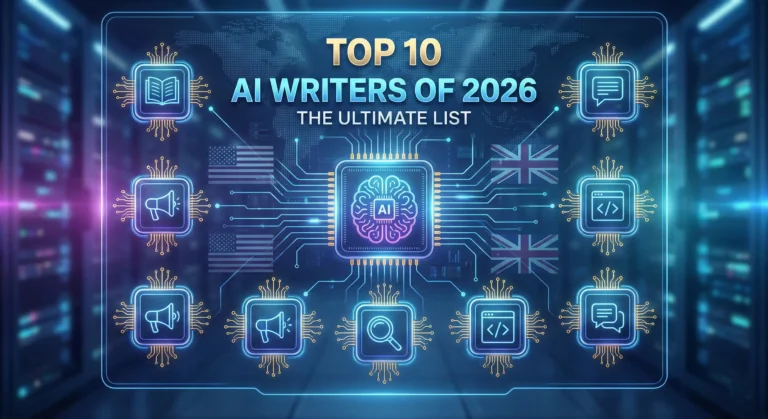
I’ve tested the market leaders to bring you the definitive top 10 list for 2026, categorized by what they actually do best.
The Titans (The Generalists)
1. Claude (by Anthropic)
The undisputed king of nuance and flow. If you want writing that feels surprisingly human straight out of the box, Claude is currently unmatched. Its latest models understand tone, context, and rhythm better than anything else. It doesn’t overuse clichéd AI words like “delve” or “unleash.” If you are writing long-form essays, newsletters, or books, this is your muse.
Best For: Long-form writers, authors, and anyone who hates heavy editing.
Pricing: Free tier available; Pro is ~$20/mo.
2. ChatGPT (by OpenAI)
The incredibly versatile Swiss Army Knife. You can’t make a list without the OG. While Claude might beat it purely on prose quality, ChatGPT (with GPT-5/4o) is a productivity powerhouse. Its ability to handle multimodal inputs—analyzing a chart, reading code, browsing the live web, and generating an image all in one chat—makes it indispensable for complex projects. It’s less a writer and more a brilliant, jack-of-all-trades assistant.
Best For: Brainstorming, coding help, and multi-step complex tasks.
Pricing: Free tier available; Plus is ~$20/mo.
The Marketers (For Growth & SEO)
3. Jasper
The enterprise-grade marketing engine. Jasper stopped trying to be just a “chatbot” years ago. In 2026, it is a robust platform for marketing teams. Its killer features are “Brand Voice” (which it nails perfectly) and its ability to turn a single brief into an entire multi-channel campaign (blog, social, email) with AI agents. It’s pricey, but it replaces a junior marketing coordinator.
Best For: Marketing agencies and in-house enterprise teams.
Pricing: Premium pricing, starting around ~$49/mo per seat.
4. Writesonic
The speed demon for SEO and trending topics. If your business relies on catching trending waves on Google, Writesonic is essential. It integrates tightly with live Google data, allowing you to write factually accurate articles on current events faster than competitors. It’s designed specifically to rank, focusing on structure and keywords.
Best For: News sites, affiliate marketers, and high-volume bloggers.
Pricing: Competitive tier structure based on usage.
5. Copy.ai
The GTM (Go-To-Market) automation specialist. Copy.ai has pivoted brilliantly towards sales and GTM workflows. It’s less about “write me a paragraph” and more about “take this LinkedIn profile, analyze their pain points, and write a personalized 3-email cold outreach sequence.” For sales teams, it’s pure gold.
Best For: Sales development reps (SDRs), founders doing outreach, and social media managers.
Pricing: Free tier available; Pro plans focus on workflow limits.
The Specialists (Niche Experts)
6. Perplexity
The research-first writer. Perplexity isn’t a traditional “writer,” but it’s the best tool to start the writing process. It’s an answer engine that cites its sources in real-time. When I need to write a fact-heavy piece and cannot afford AI hallucinations, I start here to gather my research before moving to a drafting tool.
Best For: Journalists, academics, and creating fact-based content briefs.
Pricing: Excellent free version; Pro offers deeper models.
7. Sudowrite
The novelist’s best friend. If you are writing fiction, ignore the other tools and start here. Sudowrite understands narrative arcs, character development, and “show, don’t tell.” Features like “Story Engine” help you map out entire novels, and its “Describe” button helps you break through writer’s block with sensory details.
Best For: Fiction authors, screenwriters, and creative writers.
Pricing: Tiered based on word count.
8. Surfer AI
The pure SEO optimization tool. Surfer isn’t about creative flair; it’s about math. It analyzes the top-ranking pages on Google for your keyword and tells you exactly what structure, word count, and semantic terms you need to compete. It writes to satisfy the algorithm first, humans second.
Best For: Hardcore SEO professionals focused on SERP rankings.
Pricing: Per-article pricing model (expensive but effective).
The Integrators (Workflow Enhancers)
9. Notion AI
The messy workspace organizer. Notion AI isn’t trying to write your next novel. It’s trying to make sense of your messy notes. Its strength is summarizing meetings, expanding bullet points into memos, and editing directly within your existing project management workspace. It removes the friction of copy-pasting between apps.
Best For: Project managers and teams already living inside Notion.
Pricing: Add-on to existing Notion plans (~$10/member/mo).
10. Grammarly GO
The final polish essential. You might not think of Grammarly as a “generative” AI, but their latest features are fantastic for rewriting. It’s the ultimate safety net. No matter which tool I use to draft, everything runs through Grammarly for a final tone check and clarity polish before publishing.
Best For: Literally everyone who types on a keyboard.
Pricing: Essential free version; Premium is a staple investment.
Final Thoughts from Surbhi
The best tool in 2026 isn’t the one with the most features; it’s the one that fits your specific daily grind. Don’t fall for the hype. Define your output—are you selling, storytelling, or ranking?—and choose the specialist for the job.
Artificial intelligence tools are evolving rapidly, but most of them follow a similar pattern: static training data, controlled outputs, and limited real-time awareness. That model works well for structured tasks like coding assistance or writing help. However, it struggles when users want current insights, cultural context, or social trends.
That gap is where Grok, developed by xAI, enters the picture.
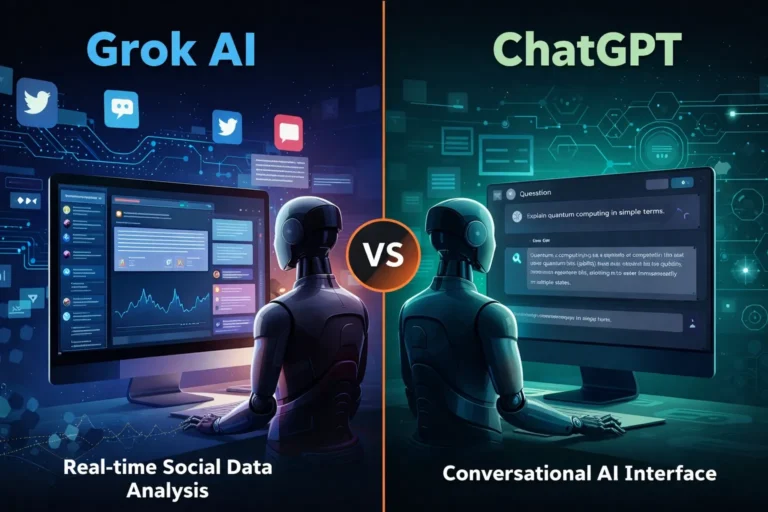
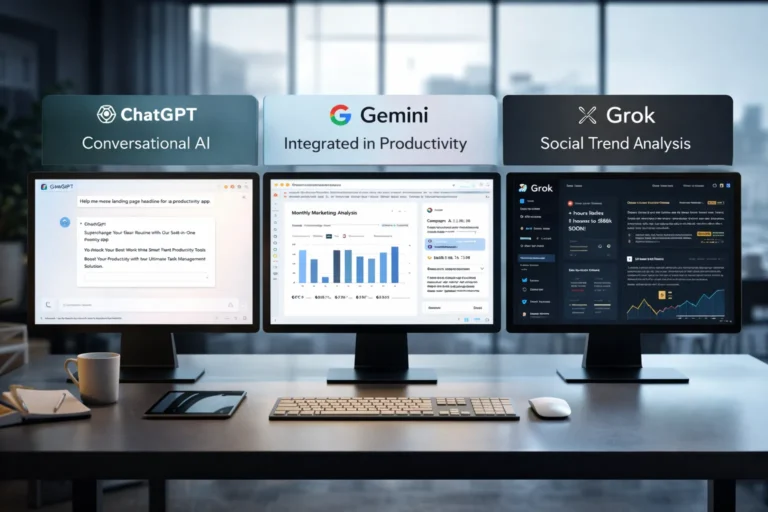
Unlike many AI assistants that rely primarily on training datasets, Grok was designed to connect directly with X (formerly Twitter). This integration allows the model to analyze public conversations, trending topics, and real-time discussions.
For professionals working in marketing, research, or online business, that difference can significantly change how AI is used in daily workflows.
What Grok AI Actually Does
At its core, Grok functions as a conversational AI assistant similar to ChatGPT or Claude. Users can ask questions, generate text, analyze ideas, or explore technical topics.
But Grok was intentionally designed with a different philosophy: context awareness from live data.
Key capabilities include:
⚡ Real-time information access Grok can interpret current discussions happening on X, making it useful for trend monitoring and sentiment analysis.
📊 Social conversation insights It can summarize how people are reacting to a topic rather than just describing the topic itself.
🧠 Conversational reasoning Grok aims to produce more informal and context-aware answers compared with some traditional AI assistants.
🔎 Idea exploration and brainstorming Because it pulls from real discussions, it can surface unexpected perspectives that static datasets might miss.
For example, a digital marketer researching a product launch could ask Grok:
“What are people complaining about in the latest smartphone release?”
Instead of returning a generic answer, the AI can analyze current posts and highlight common concerns.
Grok AI vs ChatGPT: Where They Differ
While both systems function as AI assistants, their strengths are slightly different.
🔹 Data Sources
Grok
Strong connection to real-time social data
Useful for trend discovery and sentiment analysis
ChatGPT
Primarily trained on large datasets and structured knowledge
Strong for reasoning, coding, and documentation
🔹 Content Tone
Grok often responds with a more conversational tone, reflecting its connection to social platforms.
ChatGPT generally produces more structured, formal responses, which can be useful for professional documentation.
🔹 Business Applications
ChatGPT remains stronger in areas like:
code generation
structured writing
workflow automation
technical problem solving
Grok shows promise in areas such as:
social trend monitoring
public sentiment analysis
cultural context research
For professionals, the tools may complement rather than replace each other.
Real-World Use Cases for Grok AI
Here are practical scenarios where Grok can be particularly useful.
📈 Marketing trend research
Marketers can analyze what audiences are discussing about a brand or industry.
Example: A SaaS founder launching a productivity app could analyze conversations around productivity tools to identify common complaints.
🧩 Product feedback discovery
Companies can quickly identify how users feel about competing products.
This type of insight traditionally required expensive social listening tools.
📰 News and narrative monitoring
Journalists, analysts, and researchers can track how a story evolves across social media conversations.
💡 Content brainstorming
Creators and writers can explore trending topics that resonate with real audiences.
Instead of guessing what people want to read, Grok can surface ideas based on live discussion patterns.
Benefits and Limitations
Like any AI system, Grok has strengths and trade-offs.
✔ Benefits
• Access to real-time conversations • Useful for trend discovery • Insight into public sentiment • Unique perspective compared to traditional AI tools
⚠ Limitations
• Social data may contain noise or misinformation • Real-time data can introduce bias or emotional reactions • Not always ideal for technical or academic analysis
Professionals should treat Grok as a research assistant rather than a final authority.
How Professionals Can Use Grok Strategically
If you’re running an online business or digital project, Grok works best when integrated into a broader workflow.
Practical workflow example
1️⃣ Trend discovery using Grok 2️⃣ Content research and structure using ChatGPT 3️⃣ Publishing strategy based on validated audience interests
This layered approach combines real-time insight with structured AI reasoning.
Who Should Use Grok AI
Grok may be especially valuable for:
• digital marketers • startup founders • journalists and analysts • social media strategists • creators researching audience interests
AI tools are gradually moving from static knowledge systems toward dynamic intelligence connected to real-world conversations. Grok represents an early experiment in that direction.
While it may not replace traditional AI assistants like ChatGPT, its ability to interpret live social discussions creates new possibilities for research, marketing, and trend discovery.
For professionals exploring AI workflows, Grok is less about replacing existing tools and more about adding a new layer of real-time insight to decision making.
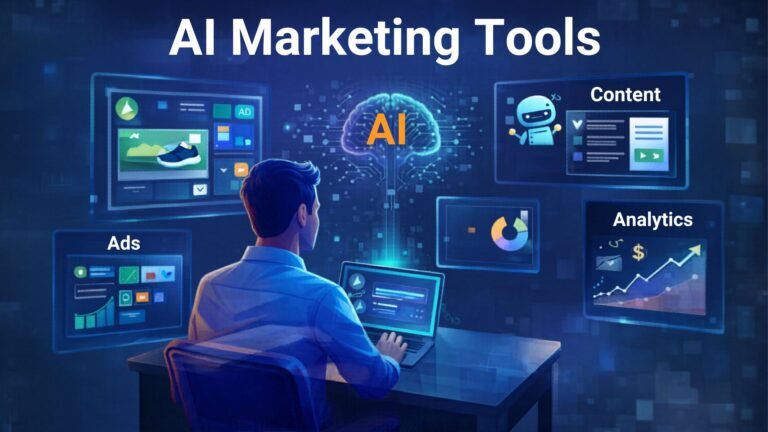
Marketing is one of the biggest challenges for small businesses. Entrepreneurs often need to manage content creation, advertising, social media, email campaigns, and analytics — often with limited time and resources.
This is where AI marketing tools for small businesses are changing the game.
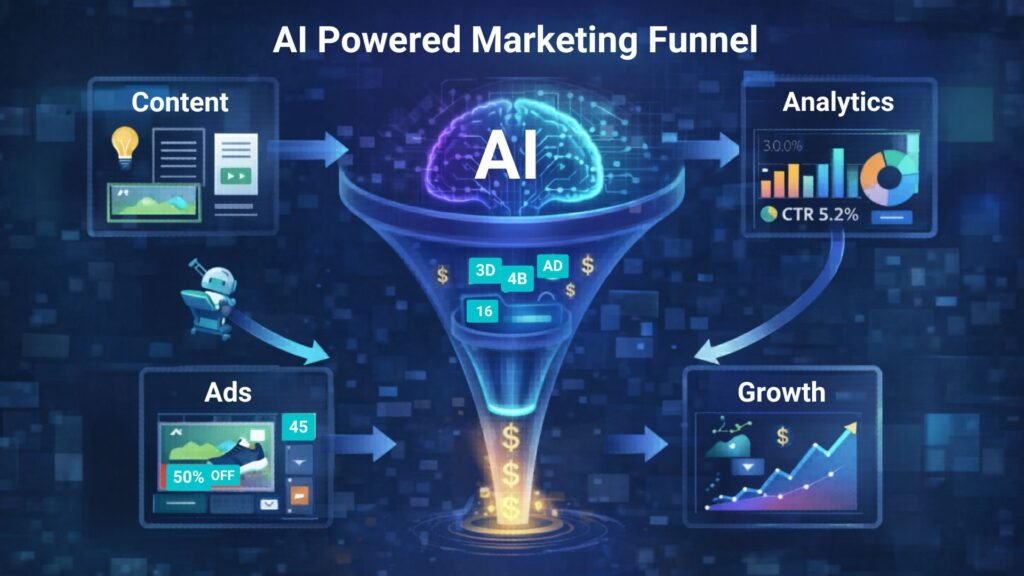
Artificial intelligence can now automate many marketing tasks that previously required a full marketing team. AI tools can generate ad creatives, write marketing copy, schedule social media posts, analyze campaign performance, and optimize marketing strategies.
For entrepreneurs, bloggers, freelancers, and online business owners, AI marketing tools provide a powerful advantage: better results with less effort.
In this guide, we’ll explore the best AI marketing tools for small businesses that can help automate marketing workflows, improve campaign performance, and accelerate growth.
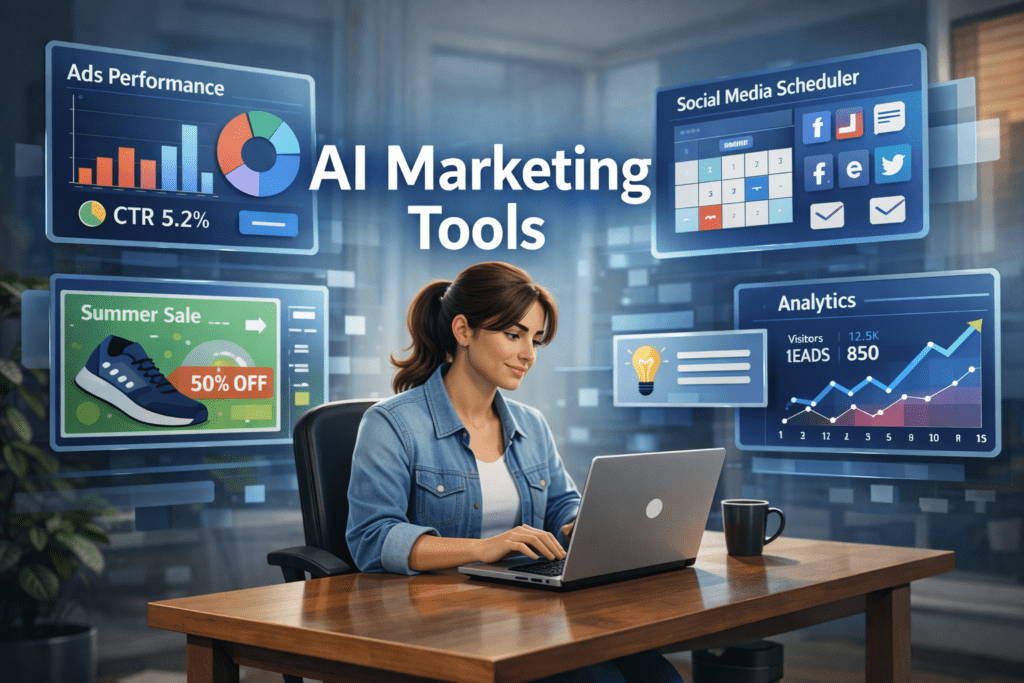
A small business owner using AI marketing tools to manage ads, social media scheduling, and analytics from a single dashboard.
Why AI Marketing Tools Matter for Small Businesses 🚀
Small businesses often struggle with limited time, budget, and resources. AI tools help solve these challenges by automating key marketing activities.
⏳ Save Time
AI tools automate repetitive tasks such as:
Writing marketing copy
Designing ad creatives
Scheduling social media posts
Generating blog content
Analyzing marketing data
This allows entrepreneurs to focus on strategy and growth instead of repetitive work.
💰 Reduce Marketing Costs
Hiring a full marketing team can be expensive.
AI tools allow small businesses to perform tasks that normally require:
Copywriters
Designers
Social media managers
Marketing analysts
This significantly lowers marketing expenses.
📊 Improve Marketing Performance
AI tools analyze data quickly and suggest improvements like:
Better ad creatives
High-performing content ideas
Optimal posting schedules
Improved audience targeting
These insights can help businesses achieve higher ROI from marketing campaigns.
Quick Tool Summary ⚡
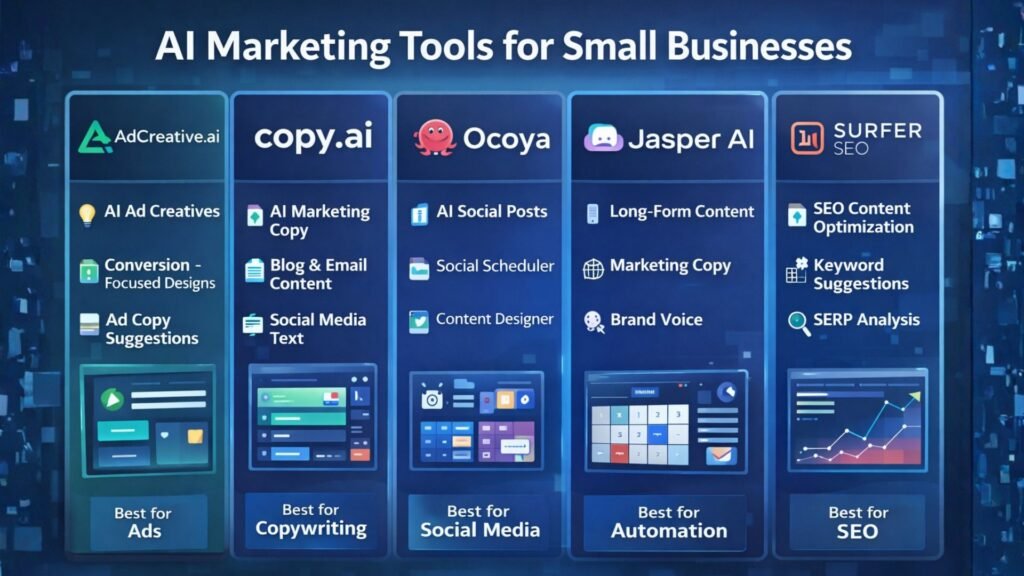
Best Overall: AdCreative.ai Best Budget Option: Copy.ai Best for Social Media Marketing: Ocoya Best for Content Marketing: Jasper AI Best for Marketing Automation: HubSpot AI Best for SEO Content: Surfer SEO
Best AI Marketing Tools for Small Businesses 🧠
Comparison infographic showing popular AI marketing tools like AdCreative.ai, Copy.ai, Ocoya, Jasper AI, and Surfer SEO for small business marketing.
1. AdCreative.ai 🎯
AdCreative.ai is one of the most powerful AI advertising tools designed to generate high-converting ad creatives automatically.
Instead of manually designing ads, businesses can use AI to generate optimized ad visuals based on proven marketing data.
Key Features
AI-generated ad creatives
Conversion-focused design suggestions
Ad copy generation
Creative scoring for performance
Integration with major ad platforms
Pros
✔ Generates ads in seconds ✔ Optimized for advertising campaigns
Cons
✖ Most useful for businesses running regular ads ✖ Requires some experimentation
Best For
Businesses running Facebook Ads, Google Ads, and display campaigns.
In the professional services world—whether you are a consultant in London or a creative director in New York—you eventually hit a “ceiling.” This ceiling is defined by the number of hours in a day. Since your revenue is tied to your time, your growth is capped by your own physical limits.
At AI Growth Gear, we call this the Expert’s Dilemma. You want to grow, but you don’t want to hire a massive team that dilutes your brand’s “soul” or increases your overhead to stressful levels.
The secret to breaking this ceiling in 2026 isn’t working harder; it’s building a Digital Twin for your operations.
The Math of Growth
Most boutique owners spend 60% of their time on “Administrative Friction”—invoicing, lead qualification, meeting prep, and basic research. These are $20/hour tasks being performed by a $200/hour expert.
By implementing specific AI Gears, we help our clients flip that ratio.
The Lead Filter: An AI Agent that qualifies leads before they ever reach your calendar.
The Briefing Engine: A system that researches a client and prepares a 1-page strategic brief while you sleep.
The Content Multiplier: Taking one 10-minute video of you speaking and turning it into a month’s worth of high-end social posts.
When you remove the friction, you don’t just save time—यू (you) multiply your billable capacity.
Quality Over Headcount
The old way to scale was to hire junior staff. But junior staff require training, management, and a high salary. In 2026, the leanest agencies are the most profitable.
By using Aesthetic Automation, a founder can maintain a “Boutique” feel—giving every client that high-end, personal touch—while the AI handles the data-heavy lifting in the background. Surbhi’s background at NIFT taught us that luxury is often about what you don’t see. The client sees a seamless, high-end experience; they don’t need to see the gears that made it happen so quickly.
The 10x Consultant
Imagine being able to take on three times the number of clients without adding a single minute to your work week. That is the power of a well-oiled AI strategy. It allows you to move from being a “worker” in your business to being the “Architect” of it.
Is Your Business Gear-Ready?
Scaling isn’t about doing more; it’s about being more efficient with what you already have. If you are ready to stop trading your life for billable hours, it’s time to look at your operational gears.